Leave your phone
in your bag.
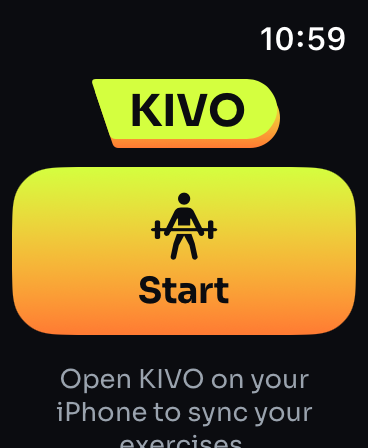
Log sets from your wrist, change weight and reps with the Digital Crown, and finish the workout. Heart rate and calories go to your Activity rings and Apple Health.
Log from your wrist
Start a routine or an empty workout on the Watch and log each set with a tap. The Digital Crown changes weight and reps.
- Your routines and last numbers on the Watch
- Rest timer with a tap on your wrist
- Add exercises and finish on the Watch
Rings and Health
Heart rate and active calories count toward your Activity rings and are saved to Apple Health, with the workout.
- Heart rate during the workout
- Active calories added to that day's food plan
- Saved as a strength training workout
Start on either, sync with the other
Start on your iPhone and follow on the Watch, or start on the Watch and pick it up on your phone.
- Sets logged on one show on the other
- Works on its own when your phone is away
- On Android, heart rate and calories from a Galaxy or Pixel Watch come in through Health Connect
Questions
Does KIVO work on Apple Watch without the iPhone?
Yes. The Watch app logs a workout on its own and saves it to Apple Health with heart rate and active calories; it syncs with your iPhone when it's near.
Do KIVO workouts close my Activity rings?
Yes. Heart rate and active calories from the Watch count toward your Activity rings and are saved to Apple Health.
Is there a KIVO app for Wear OS?
Yes, it's coming with the Android app: log sets, rest timer, heart rate and calories on a Galaxy or Pixel Watch, with workouts going back to your phone and Health Connect.