Plan the week,
get reminded.
Put workouts on the days you'll train, with a reminder before each one. Build a session for the muscles, time and place you have, or a whole weekly plan, and KIVO puts it on your calendar.
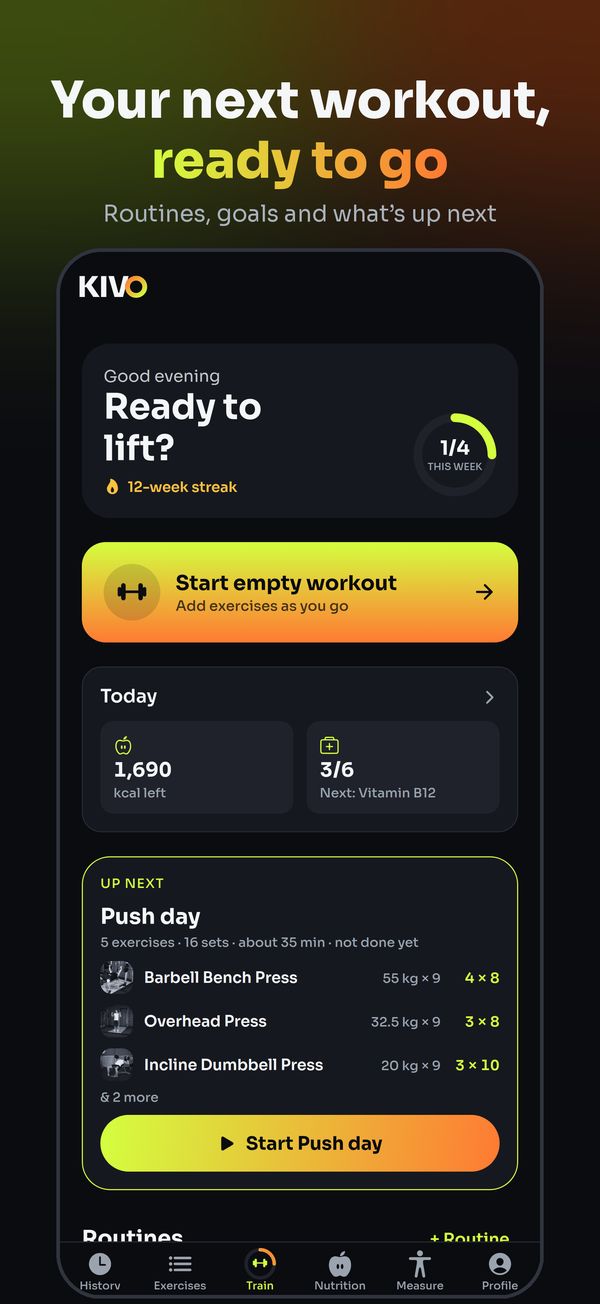
Any routine, on any day
Open Schedule, tap Plan a workout, pick the routine, tick the days and a time. A reminder arrives an hour before (or at 8:00 with no time).
- Days in the next two weeks, as many as you like
- Morning, midday, evening or night
- Take a day off the calendar in one tap
Built for today
Pick the muscles, how long you have and where you are: gym, home or no equipment. KIVO builds the session and you can plan it on a day.
- Legs at home in 30 minutes, push day at the gym
- Staples first, then variety
- Keep it as a routine for next time
A whole plan, on your calendar
Four quick choices and KIVO writes a weekly plan, then puts each workout on its day for 2, 4 or 8 weeks.
- Build muscle, get stronger, lose fat, tone up or move better
- Add tai chi or yoga to a gym week
- Up next always shows the one that's due
With your trainer
Sessions your trainer plans land on the same calendar, marked as theirs, with the same reminders. New plans and messages wait under the bell on Home.
- Your plans and your trainer's, side by side
- A number on the app icon for unread messages
- Tap a notification to land on that day or routine
Questions
Can KIVO remind me to work out?
Yes. Plan a routine on a day with a time and KIVO reminds you an hour before; with no time, the reminder comes at 8:00 that morning.
Can I plan a home workout for certain muscles?
Yes. In Quick workout pick the muscles, the time you have and Home or No equipment; KIVO builds it and you can put it on a day in your calendar.